
Double-booking is rarely dramatic. It is the quiet conflict that appears when a work appointment and a school event land on the same afternoon, or when a customer call overlaps with the start of a baseball game. The phone shows both entries. Someone has to rearrange. The result is a rushed conversation, a missed pickup, or an extra trip that did not need to happen.
I learned this pattern after years of balancing field service calls with two children’s sports and school schedules. The problem was not a lack of calendars. The problem was too many places where events lived and not enough agreement about which one was the single source of truth. Once we settled on a clear shared system, the number of last-minute conflicts dropped. The setup is simple on purpose. Complexity creates the very friction it claims to solve.
Why Most Family Calendar Attempts Fail
Many households start with good intentions and end up with three competing systems. One parent uses a phone calendar. The other keeps a paper wall calendar. The kids’ sports apps send their own notifications. School portals add more. The result is partial information in multiple places and no reliable way to see the whole week at a glance.
When events exist in separate silos, double-booking becomes almost inevitable. A work appointment gets added to one calendar while a team practice is already locked into another. The conflict only surfaces when someone is already in the truck or standing on the sideline. By then the cost is higher.
The same pattern appears with shared digital calendars that never get updated consistently. If only one person adds events, the system fails as soon as that person is busy or forgets. A usable family calendar requires both agreement on the tool and a light habit of keeping it current.
The Cost of Scattered Schedules
Scattered schedules create more than inconvenience. They generate repeated questions. “What time is the game?” “Is that the same day as the service call?” “Who is driving?” Each question costs attention and often leads to a quick phone call or text that interrupts the workday. Over a week those interruptions add up.
They also increase the chance that one parent commits to a work job without seeing the family conflict, or that a child misses an activity because the information never reached the right person in time. The goal of a shared calendar is not perfect organization. It is fewer of these avoidable collisions.
A Practical Shared Calendar Approach
The system that has worked for us is deliberately limited. We use one shared digital calendar as the primary record for anything that affects more than one person. Individual work calendars and personal reminders stay separate. Sports apps and school portals are treated as sources of information, not as the final schedule.
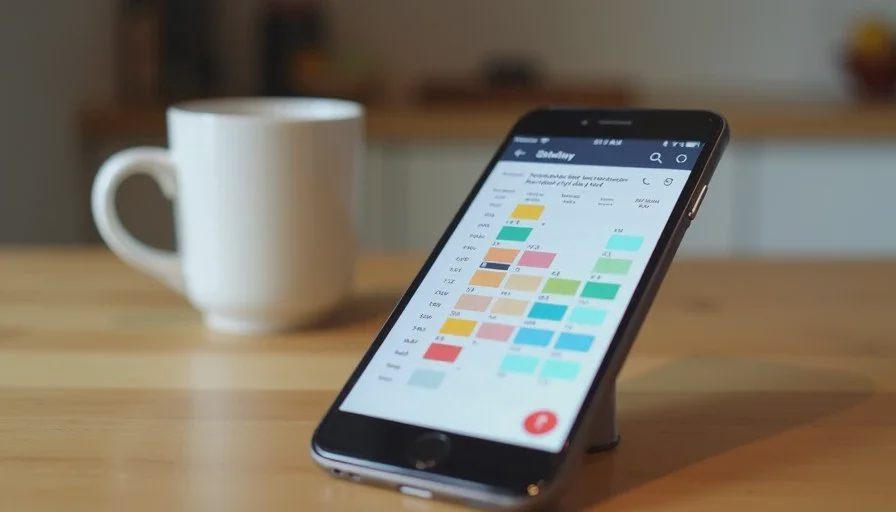
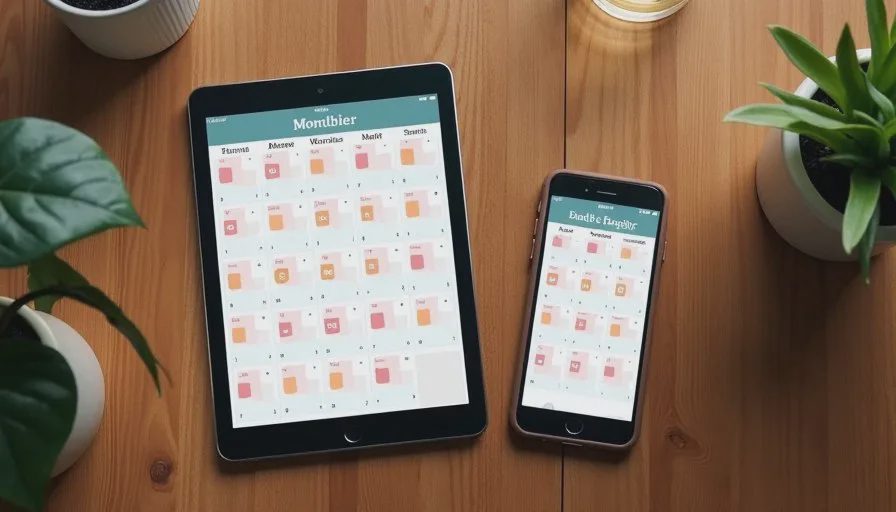
The shared calendar lives on both phones and can be viewed on a tablet or computer when needed. Color coding helps: one color for work commitments that affect family time, another for children’s activities, and a third for joint family events. The colors are simple enough that a quick glance reveals conflicts without reading every title.
Choosing the Primary Calendar
Most families already have access to either Google Calendar or Apple Calendar. Either works. The important part is that both adults can add and edit events and that the calendar is set to send notifications for new or changed items. We keep the default view on the week rather than the day. The week view makes overlapping commitments visible before they become problems.
I avoid adding every minor personal task to the shared calendar. Only events that require coordination or that change someone else’s availability belong there. This keeps the calendar readable and reduces the noise that leads people to ignore it.
How Events Get Added
The rule is straightforward. Whoever learns about the event first adds it to the shared calendar as soon as possible. For sports, that usually means one of us enters the practice or game times after checking the team app. For school events, the same person who opens the email or portal notice adds the date. Work appointments that will affect pickup times or evenings go on the shared calendar immediately, even if the full work details stay on the individual work calendar.
We do not try to capture every possible detail in the title. A short description and the time are enough. Longer notes can live in the event description if needed. The point is speed and visibility, not perfect documentation.
Handling Sports Apps and School Portals
TeamSnap, school apps, and similar tools are useful for their specific communities, but they should not become the family schedule. Notifications from those apps are easy to miss or to read only partially. The practical approach is to treat them as input. When a new practice schedule or game time appears, it gets transferred to the shared calendar once. After that, the shared calendar is the place we check.
This extra step takes less time than dealing with a double-booking later. It also prevents the situation where one parent is looking at TeamSnap while the other is looking at a different calendar and both believe they have the correct information.
The same logic applies to school portals and email lists. Important dates move into the shared calendar. Routine announcements that do not affect availability can stay in their original place.
Making the System Survive Real Weeks
A calendar only helps if people actually look at it and keep it current. A few light habits make the difference.
We do a quick Sunday evening scan of the coming week. Any obvious conflicts get resolved then, while there is still time to adjust. During the week, new events are added as they arrive rather than saved for later. Notifications for new or changed shared events stay on so neither person is surprised.
When a work job runs long or a game is rescheduled, the shared calendar gets updated as soon as the change is known. The update itself is the communication. A separate text is often unnecessary once both people trust the calendar.
Cold weather, travel, or unusually busy periods do not change the system. They simply make the Sunday scan more important. The structure stays the same so it does not require extra decisions when energy is already low.
What This Setup Does Not Try to Do
This approach does not replace individual work calendars or personal reminder lists. It does not attempt to manage every household chore. It does not require a new paid app or a complex set of rules. Its only job is to keep the events that affect more than one person in one visible place so double-booking becomes less common.
It also does not eliminate every conflict. Some overlaps are unavoidable. The value is that those conflicts surface earlier, while there is still room to adjust, instead of appearing when someone is already committed.
Results in Ordinary Weeks
After we settled on this shared calendar, the number of “I didn’t know that was today” conversations declined. Pickup arrangements became clearer. Work appointments that would have collided with games were spotted on the Sunday scan and moved when possible. The system did not make life perfectly organized. It made the unavoidable coordination quieter and less reactive.
The same principle applies to other households with different tools. The specific app matters less than the agreement to keep one shared record and to treat other sources as input rather than competing schedules. Once that agreement is in place, the daily friction drops.
A phone should help you make one less trip, miss one fewer job, and have one fewer argument. A clear family calendar supports all three by reducing the collisions that create extra driving, missed commitments, and unnecessary tension. The setup is simple. The payoff appears on ordinary Tuesdays when the week still holds together.



No comments yet — be the first to share a thought.