
The best field service software is the one your crew can use between the driveway and the customer's front door, not just the one with the longest feature list. For most small home-service businesses, I'd start with Jobber for straightforward scheduling and invoicing, Housecall Pro for residential service teams that want dispatch and customer communication, and ServiceTitan for larger operations that need more extensive management tools. A solo operator should also consider whether a calendar and invoicing app are enough before adding another subscription.
The right choice depends on what breaks down in your workday. If appointments live in one person's head, prioritize dispatch. If finished jobs sit unpaid, make estimates, invoices, and payment collection easy to reach from a phone. And if you work outside reliable coverage, find out exactly what the app can do without a connection before signing up.
Best field service software options by business type
Jobber is a sensible place to start for a small crew handling recurring visits or a mix of quotes and scheduled jobs. It brings customer information, scheduling, and invoicing into one system. Look closely at which plan includes the tools and number of users you need; a one-person price is not the same as the cost of putting several technicians on the app.
Housecall Pro is worth a look for residential service businesses that want to coordinate a team and communicate with customers around appointments. Compare its dispatch, estimates, invoicing, and payment options with your actual workflow. If a customer needs approval before a repair begins, have the salesperson show you that process on a phone, not just on a desktop demo.
ServiceTitan is better suited to a larger or growing operation that can make use of a more extensive platform. It may be more system than a solo cleaner or appliance technician needs. Ask about implementation, training, contract terms, and the work involved in moving existing customer records before treating it as a simple app purchase.
For smaller operations, consider alternatives such as Zoho FSM, particularly if you already use other Zoho business tools. Integration can reduce duplicate entry, but confirm which connections and user permissions are included in the plan you are considering. The best field service software for your neighbor's HVAC company may be overkill for a one-truck repair business.
Start with the work order, not the sales demo
Pick one real job and walk it through each product. Create the appointment, assign it, add the customer's address and a short problem description, then open it on the phone a technician will carry. Make sure the important details are readable without digging through several screens.
Next, build an estimate, record the customer's approval, add a part or line item, and turn the completed work into an invoice. Check whether the customer can approve or pay in the way your business actually uses: in person, by email, or through a text link. Payment processing fees and available payment methods can vary, so get those details in writing.
For recurring work, create a repeat visit and then move just one appointment. A lawn crew and a cleaning business both need to handle weather delays and cancellations without accidentally changing the whole schedule. Also check whether the office can see a change promptly and whether the assigned worker receives a useful notification.
Don't overlook job history. An appliance technician returning to a home needs to find the previous diagnosis, model information, and parts notes quickly. A photo attached to the wrong customer record is worse than a paper note left in the truck.
Test weak signal and the handoff back online
Here's what happens when this meets a real workday: a technician opens the next job in a basement, finds no signal, and still needs the address, notes, and a way to record what happened. Offline support is not a single yes-or-no feature. One app may let you view previously loaded details but not create an invoice; another may require a connection for photos or customer signatures.
Before committing, load a sample job on the actual iPhone or Android phone your crew uses. Turn on airplane mode and try opening the job, adding a note, taking a photo, and recording completion. Reconnect and check the office view. Did the changes arrive? Is there a clear warning if something failed to sync? Repeat the exercise with the vendor during a trial if you need help interpreting the results.
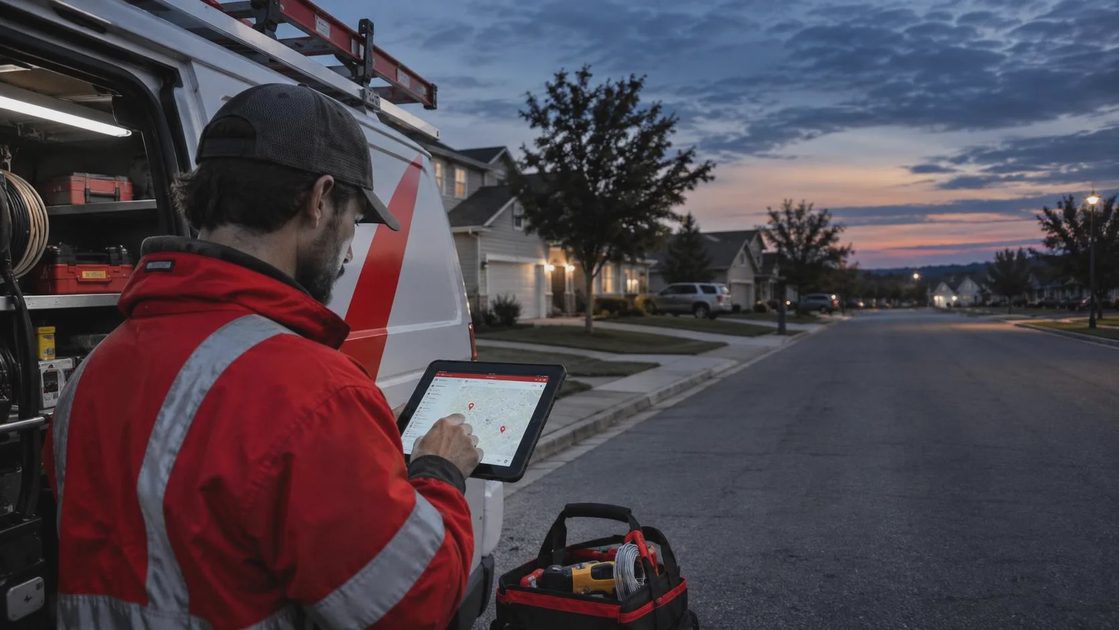
Don't enter real card details during that exercise. For navigation, keep an independent backup, such as a downloaded map where available and the address saved before leaving coverage. A truck charger matters too: constant screen use, location services, and photo uploads can turn a long shift into a battery-management problem.
Compare the full cost and protect customer records
Ask each vendor for a written quote based on your real head count and workflow. Include office staff, technicians, payment processing, optional features, onboarding, and any integration fees. Check whether billing is monthly or annual, what happens when you add a user, and how much notice is required to cancel. Pricing and packages change, so use a current quote rather than a screenshot from an old review.
The best field service software should also make it reasonably easy to leave. Before importing years of records, ask what you can export, in what format, and whether job notes, attachments, and photos are included. A spreadsheet of customer names is useful, but it is not a complete backup of repair history.
Give each worker an individual login and access only to the information needed for the job. Turn on multifactor authentication where available, especially for administrator accounts, and remove access promptly when someone leaves. Avoid putting door codes, payment details, or unnecessary personal information in a general job note that every user can see. Ask the vendor where sensitive access instructions belong and how they can be removed.
When a simpler setup makes sense
If you work alone, schedule a handful of jobs a day, and rarely need to share records, a calendar plus an invoicing tool may be enough. Keep a consistent customer and job reference on both, back up your records, and decide where repair photos belong. The trade-off is more manual entry and a greater chance of missed updates as the business grows.
Choose two contenders, run the same sample job through each, and ask the person answering calls and the person doing the work what slowed them down. The question isn't whether an app can do everything. It's whether it saves enough time and missed handoffs to earn its place on the phone next month.


No letters yet — be the first to write.