The best apps for tradespeople do not make a phone feel like an office computer. They help you answer one customer, find the next address, collect a payment, and get home without forgetting a family appointment. I learned that during years of appliance repair, where a weak signal, a low battery, or a handwritten note could turn a simple service call into an extra trip.
You do not need a giant software stack to run a cleaning business, landscaping route, repair service, or mobile installation company. You need a few dependable tools that fit the way you actually work. The right setup should be quick to learn, usable with dirty hands, and clear enough that a customer is not confused by a text message or invoice.
Scheduling and customer communication
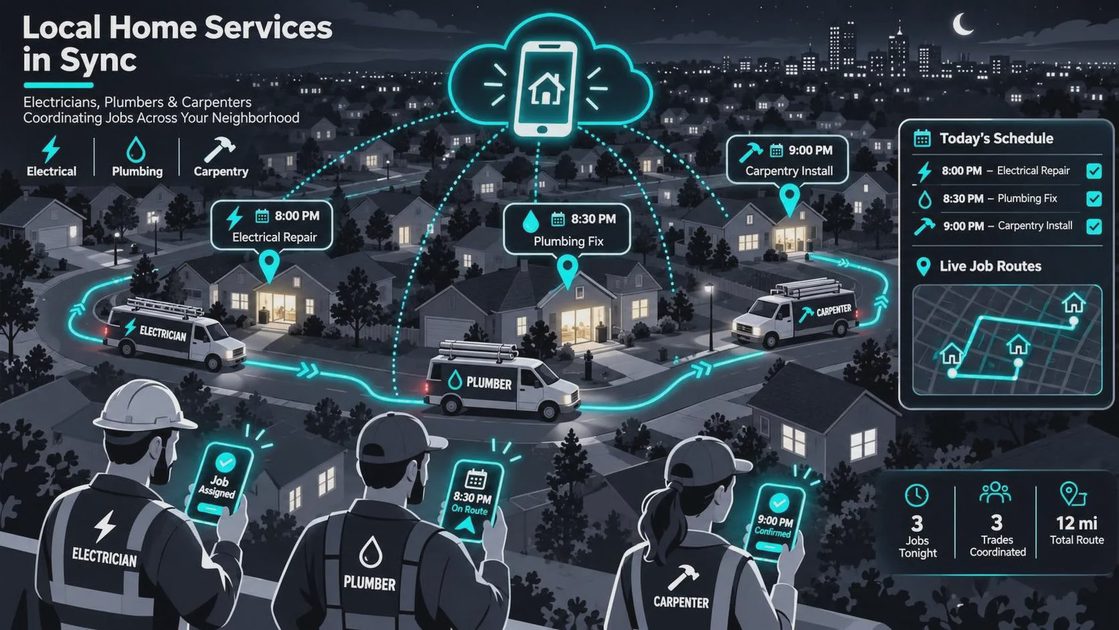
Scheduling is usually the first place where apps for tradespeople earn their keep. A shared calendar can replace a notebook on the dashboard, but only if it shows the address, customer name, job type, arrival window, and useful notes in one place. Google Calendar works for a solo operator. Jobber, Housecall Pro, and ServiceTitan offer more service-business features, although their pricing and complexity are better suited to different business sizes.
For a small operation, start with the simplest tool that prevents double booking. Create separate calendar colors for estimates, confirmed jobs, parts pickups, and personal commitments. Add travel time rather than pretending every appointment ends at the exact minute. A 10:00 a.m. water-heater estimate in one part of town should not be followed by an 11:00 a.m. repair across town unless you have checked the drive.
Text messaging also matters. A short “I’m finishing the previous job and expect to arrive around 2:15” is more useful than a vague update. Use a business number through a service such as Google Voice or a dedicated phone line when possible. That keeps customer calls separate from school messages, sports chats, and weekend family time.
Quotes, invoices, and getting paid
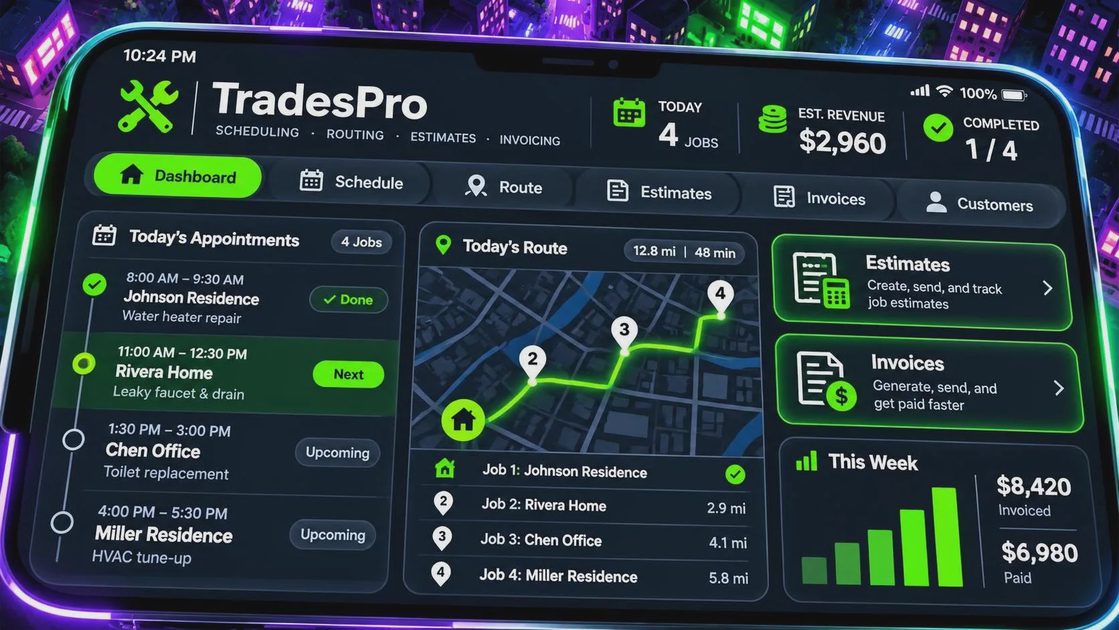
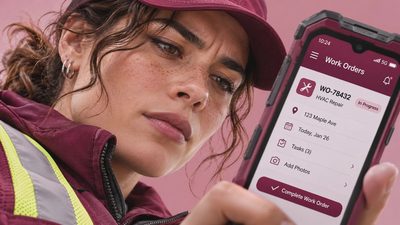
Many apps for tradespeople combine estimates, invoices, receipts, and card payments. Square is familiar and straightforward for basic payments. QuickBooks offers broader bookkeeping features, while Wave can be attractive to very small businesses that want a lower-cost starting point. Jobber and Housecall Pro connect those financial tasks to scheduling and customer records.
The important question is not whether an app can produce a polished invoice. It is whether you can create one from the truck before you lose the details. A useful invoice should list labor, materials, taxes when applicable, payment terms, and the job address. Save photos of receipts and parts numbers while they are still in your hand. That is easier than rebuilding the purchase a week later from a bank statement.
Watch the total cost. A service platform might charge a monthly fee, payment-processing fees, add-on charges, or extra seats for employees. A $40 monthly subscription is $480 each year before transaction costs. That can be reasonable if it helps collect several overdue invoices, but it is wasteful if you still write everything on paper. Try the workflow with a real estimate before committing.
Routes, maps, and weak-signal planning
The most useful apps for tradespeople often keep working when the cell signal does not. Google Maps and Apple Maps are good daily choices, but download offline areas before heading toward rural customers, mountain roads, or large construction sites. Confirm the saved map actually covers the route; an offline map cannot help if the destination falls outside the downloaded area.
Do not rely on a map pin alone. Read the customer’s access notes, verify whether the address is a rear unit or a gated property, and call before leaving when the location looks unusual. On a busy day, five minutes of preparation can prevent a 30-mile mistake. Keep a paper list of the day’s addresses in the glove box as a backup, especially when storms, dead zones, or road work are common.
Battery planning belongs in the route discussion. A navigation app, camera, hotspot, and payment reader can drain a phone quickly. Keep a quality vehicle charger in the truck, carry a compact power bank, and avoid leaving the phone in direct summer sunlight. Your phone case should protect the device without making charging awkward.
Photos, records, and customer privacy
Photos are useful for documenting preexisting damage, completed work, model numbers, and hidden conditions. Apps for tradespeople can attach those photos to a job record, but the camera roll on a personal phone can become a messy privacy problem. Turn on automatic backup only when you understand where images are stored and who can access the account.
Take wide and close photos with a clear purpose. A wide shot shows where equipment sits; a close shot captures a serial number or damaged fitting. Do not photograph family paperwork, children, unrelated rooms, or personal items unless the job requires it. Before sending an image, check the recipient and remove details that do not belong in the customer file.
Use a strong passcode, automatic screen locking, and two-factor authentication for email, payment, and scheduling accounts. If the phone is lost at a gas station or job site, those small habits make account takeover harder. Keep customer information inside the business system instead of scattered through personal text threads.
Choosing apps without building a digital mess
The best apps for tradespeople are usually the ones you will still open six months from now. Before installing anything, write down the problem: missed appointments, slow estimates, late payments, route confusion, or scattered job photos. Choose one primary tool for that problem instead of downloading five apps that all send notifications.
Check whether the app works on both iPhone and Android if a helper or subcontractor uses a different device. Look for export options so you can retrieve customer records if you cancel. Read the permission requests. A scheduling app may need calendar access, but a simple flashlight should not need your contacts or location history.
Test the app on an ordinary workday. Create a sample customer, make a quote, attach a photo, send an appointment reminder, and delete the test record. Try that process with one hand while sitting in the truck. If it needs a tutorial longer than the job, I am already skeptical.
A simple setup for a solo operator
A solo electrician, cleaner, or mobile repair worker can begin with Google Calendar, Google Maps or Apple Maps, a payment service such as Square, cloud storage for job photos, and a separate business phone number. That basic setup may cost little beyond transaction fees and optional storage. It also avoids training time and makes troubleshooting easier.
As the workload grows, a field-service platform can bring scheduling, estimates, invoices, reminders, and customer history together. Add features only when the current process is causing a measurable problem. If unpaid invoices are taking three hours each week, payment automation has a clear benefit. If the only complaint is that the dashboard looks old, spend the money elsewhere.
The goal of apps for tradespeople is not to turn a work truck into a headquarters. It is to make one less trip, miss one fewer job, and have one fewer argument about where the afternoon appointment went. Start with the task that costs you the most time, test one dependable tool, and build from there.

No letters yet — be the first to write.