The best apps for contractors are not necessarily the ones with the longest feature list. They are the ones that still help when you are standing in a customer’s driveway, wearing work gloves, and trying to remember whether the next appointment is across town or twenty minutes away. A useful phone setup can manage scheduling, estimates, invoices, payments, directions, and job photos without turning a simple repair business into a full-time software project.
I have worked from a service truck where the signal disappeared at the worst possible moment. That experience shapes how I judge these tools. The question is not whether an app can do everything. The question is whether you will still use it next month, whether customers understand it, and whether it saves enough time to justify another monthly bill.
What to look for in contractor apps
Before downloading anything, write down the three tasks that cause the most trouble. If missed appointments are the problem, start with scheduling. If money is stuck in unpaid invoices, look at estimating and payment tools. If you lose time driving between jobs, focus on maps and route planning. The best apps for contractors solve a specific bottleneck before they try to manage the entire company.
Check whether the app works on both iPhone and Android if you have employees or subcontractors using different phones. Look for offline access, clear pricing, automatic backups, simple customer records, and the ability to export your information. A cheap app that traps your contacts and invoices in an awkward system can become expensive when you need to switch later.
Also test the workflow with one real job. Create a customer, add an appointment, attach a photo, write an estimate, and send a payment request. If that process takes ten minutes in your truck, it probably will not survive a busy Tuesday. A phone should help you make one less trip and miss one fewer job, not give you another box to maintain.
Scheduling and customer communication
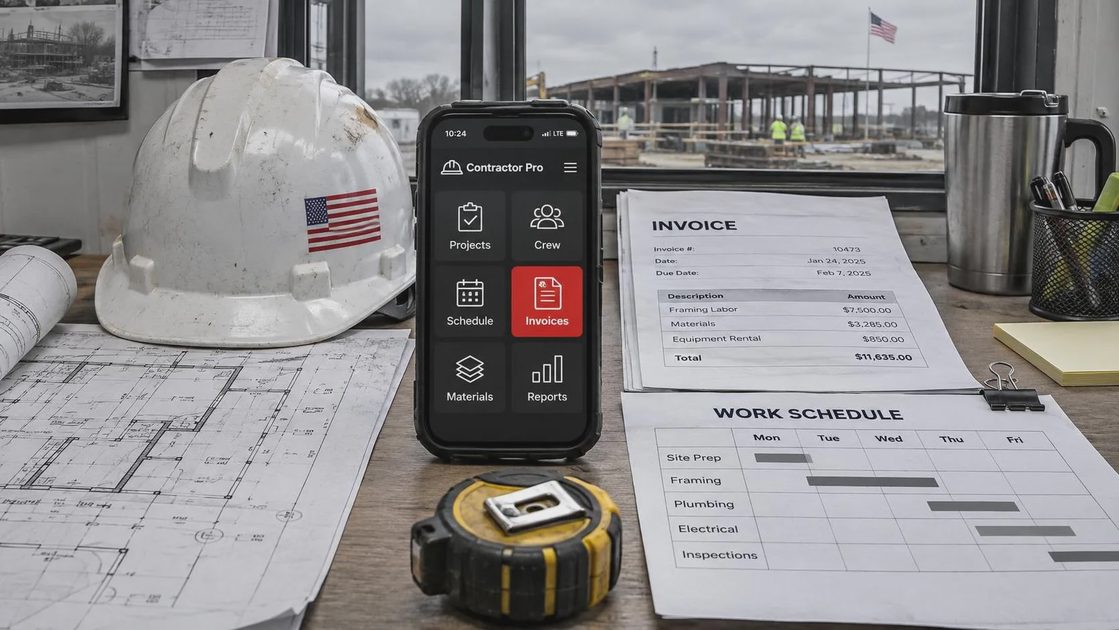
For basic appointment management, Google Calendar is still a sensible starting point. It works across devices, handles recurring events, and can separate personal, family, and work calendars. Calendly can help when customers need to choose from available time slots, although its usefulness depends on whether your work has predictable appointment lengths. A lawn service route and an emergency appliance repair schedule need different rules.
Jobber and Housecall Pro are more complete field-service platforms. They combine scheduling with customer profiles, quotes, invoices, reminders, and sometimes payment processing. They are worth considering when you have enough recurring work to justify a subscription and enough jobs that text messages and paper notes are becoming unreliable. Solo contractors should compare the monthly price with the value of fewer phone calls and faster collections.
For communication, text messaging is often easier for customers than downloading a special app. Keep messages short and professional: confirm the arrival window, explain what information you need, and tell the customer how to reschedule. Do not send private customer details through a group chat. Store addresses, gate codes, and job photos in the proper customer record instead.
Estimates, invoices, and getting paid
QuickBooks and Wave are common choices for invoicing and bookkeeping. QuickBooks offers a broad accounting system with invoicing, expense tracking, and connections to other business tools. Wave is often attractive to very small businesses that want a simpler starting point. Square works well for contractors who collect card payments in person and want a familiar checkout experience.
The best apps for contractors make the money trail easy to understand. A quote should show labor, materials, taxes when applicable, payment terms, and what happens if the scope changes. After approval, convert it into an invoice rather than typing everything again. That reduces errors such as charging for the wrong quantity of parts or forgetting a disposal fee.
Payment processing fees are part of the decision. A card payment can be convenient, but the business usually pays a percentage plus a transaction fee. Bank transfers can cost less in some systems but may take more explanation for customers. Never make a promise about tax treatment or legal requirements based only on an app’s marketing page. Your accountant can tell you how to record payments and deposits correctly.
A practical habit is to send the invoice while you are still near the job, then photograph the signed approval or completed work. Keep receipts for parts and fuel in one digital folder. Set a weekly reminder to review unpaid invoices. The app helps, but the routine is what keeps cash flow moving.
Maps, routes, and field notes
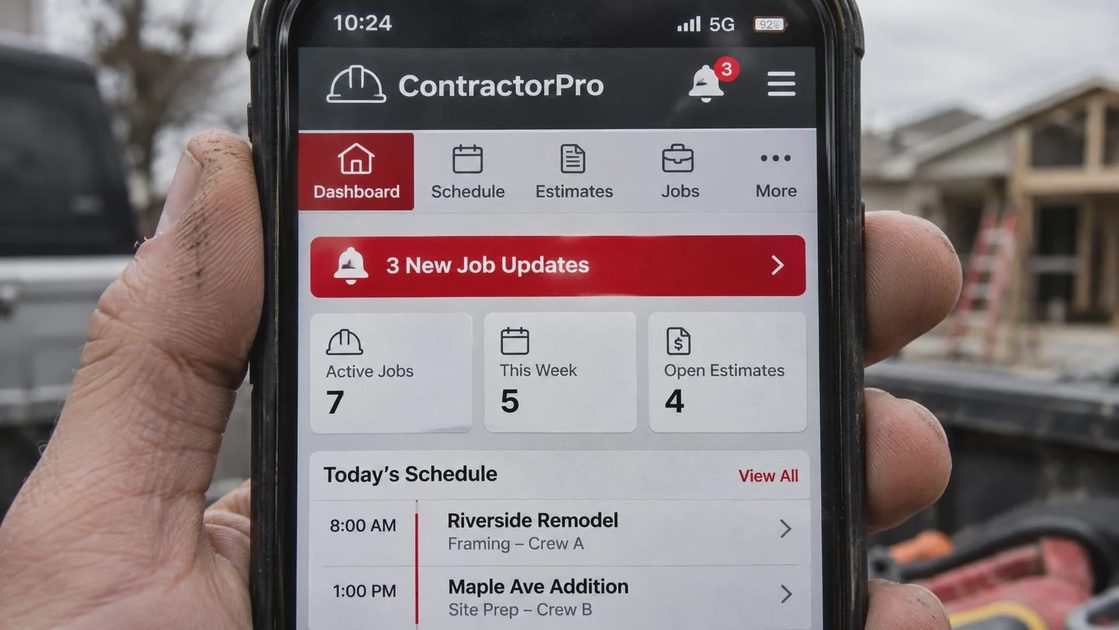
Google Maps and Apple Maps are adequate for ordinary driving, but field workers need more preparation than a regular commuter. Download offline map areas before visiting rural customers or large construction sites. Save the customer’s address, parking instructions, and entrance notes in a secure place. Test the route before leaving instead of assuming the address pin is correct.
For multiple stops, Circuit and Route4Me are examples of route-planning tools designed to organize deliveries or service calls. These apps can reduce backtracking when the schedule contains several locations, but they need accurate appointment windows. A route that looks efficient on a screen can fail if one customer requires a long inspection or if a supplier closes early.
For notes, Apple Notes, Google Keep, and Microsoft OneNote can all work. Use a consistent format: customer name, date, problem, parts needed, work completed, and follow-up. Photograph serial numbers and damaged components, but avoid leaving sensitive images mixed with personal pictures. If a phone is lost, a screen lock and remote-device feature matter as much as the note-taking app.
Photos, forms, and team coordination
Google Drive, Dropbox, and Microsoft OneDrive are useful for storing estimates, warranty documents, receipts, and job photos. Create folders by customer or project, then use dates in filenames. “Smith-kitchen-leak-2026-04-08” is easier to find than “IMG_4821.” Turn on automatic backup only after checking whether it will consume mobile data or fill your storage.
For digital forms and signatures, tools such as Jotform, Adobe Acrobat, and DocuSign can reduce paper handling. Use them for approvals, change orders, inspection checklists, and completion acknowledgments. Read the service terms and keep a copy of signed documents. An app should support your records, not become the only place those records exist.
If you have a helper, choose a shared system with clear permissions. A worker may need the day’s schedule but not every customer’s billing history. Set separate accounts rather than sharing one password. Remove access when someone leaves the business, and turn on two-factor authentication for email, accounting, and payment accounts.
A simple setup that will actually get used
For a solo contractor, a practical starting stack might be Google Calendar for appointments, Google Maps with offline areas for navigation, QuickBooks or Wave for invoices, and Google Drive for documents. Add Square if you regularly take card payments. Add Jobber or Housecall Pro only when separate tools are creating duplicate work.
The best apps for contractors should pass a one-week field test. On Monday, create every appointment and confirm the reminders. On Tuesday, send one estimate and collect one payment. On Wednesday, work from an area with weak service and see what still opens. On Thursday, find a receipt and a job photo without searching blindly. On Friday, review the total cost and ask whether the system prevented a missed job or saved real time.
Battery life deserves attention too. Turn off unnecessary location access, keep a charging cable in the truck, and carry a small power bank. Set work notifications apart from family alerts so a customer call does not disappear under sports messages. Make one backup of important records each month.
There is no prize for owning the most contractor apps. Start with the problem that costs you the most money or frustration, choose the simplest credible fix, and build from there. A phone should be a useful workbench in your pocket, not another job waiting at the end of the day.


No letters yet — be the first to write.