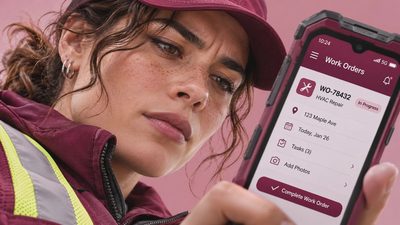
The best apps for contractors do not make you feel like you have taken a second job managing software. They help you answer a customer, find the next address, write a usable estimate, collect payment, and get home without a notebook full of loose receipts. I have spent enough time working from a truck to know that a tool can look impressive in a demonstration and still be frustrating when your battery is at 18 percent and the customer is standing beside a leaking water heater.
The right choice depends on your trade, crew size, service area, and tolerance for monthly fees. A solo cleaner may need scheduling and payments, while an HVAC company may need dispatching, equipment history, and recurring maintenance reminders. Start with the work that causes the most missed calls or unpaid invoices, then add technology one problem at a time.
What to look for before downloading anything
Before comparing apps for contractors, write down how a job moves from the first phone call to the final payment. Do customers contact you by phone, text, website form, or Facebook? Do you quote from the driveway, or send estimates later? Do you need signatures, before-and-after photos, material costs, or warranty notes? These answers matter more than a long feature list.
Scheduling is usually the first place to gain time. Look for a calendar that shows travel time, not just appointment blocks. Jobber, Housecall Pro, and ServiceTitan are well-known examples in home-service software, although ServiceTitan is generally aimed at larger operations with more complex needs. Calendly can work for simple consultation bookings, but it is not a complete field-service system.
Also check whether the app works on both iPhone and Android, supports multiple users, and lets you export customer data. A clean export matters if the price changes or you decide to move to another platform. Read the cancellation terms before entering a card number, because a low introductory price can become an expensive monthly habit.
Scheduling, routes, and customer communication
For many independent workers, apps for contractors are most useful when they reduce driving and communication gaps. Google Calendar is a reasonable starting point for a solo operator. Add the customer name, address, job type, estimated duration, and a buffer for traffic or a parts run. That simple habit can prevent the classic mistake of booking a 10 a.m. job across town immediately after a 9 a.m. appointment that is likely to run long.
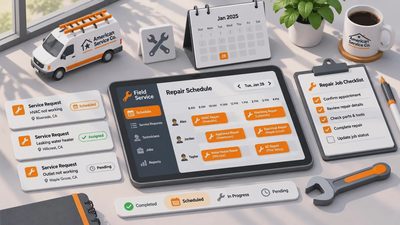
When the schedule grows, Jobber and Housecall Pro combine booking, reminders, estimates, invoices, and customer messages. Their value is not that they perform magic. It is that the customer record and appointment usually stay connected. You can see the address, notes, and payment status without searching through text messages. Automated reminders can also reduce no-shows, but make sure the message sounds like your business rather than an anonymous sales blast.
Route planning deserves separate attention. Google Maps and Apple Maps are useful for everyday driving, but neither is a complete dispatch platform. If you have several stops, compare the planned order with real traffic and parking conditions. Download important map areas before entering a weak-signal neighborhood. A paper list of addresses in the glove box is still a sensible backup, especially on rural routes.
Estimates, invoices, and getting paid
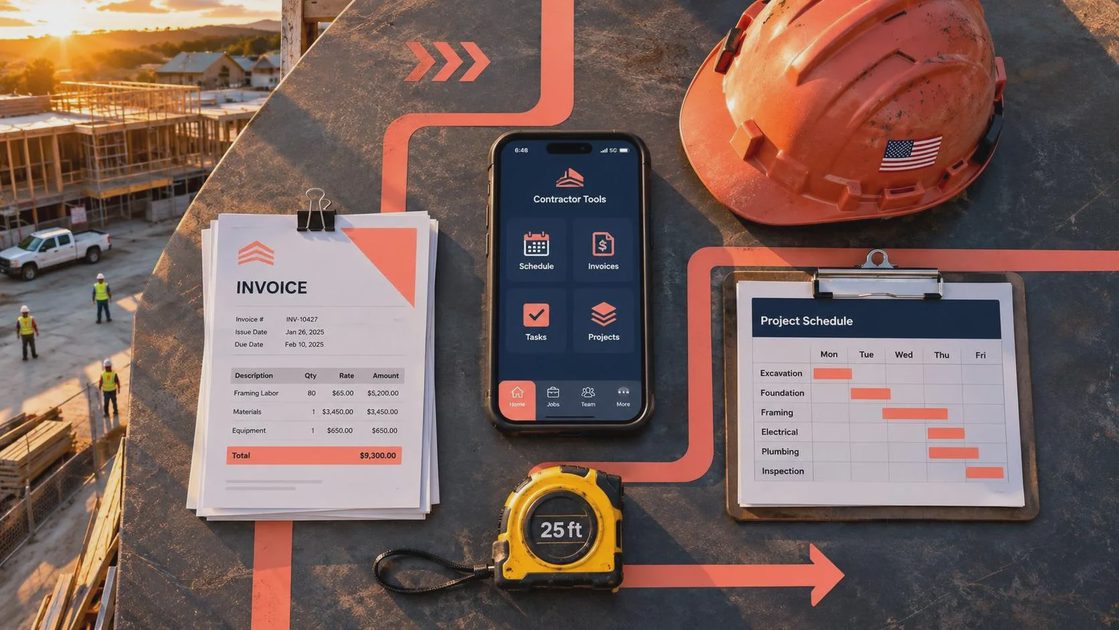
The strongest apps for contractors turn a quote into an invoice without making you retype the same information. QuickBooks Online is familiar to many small businesses and connects bookkeeping with invoicing. Wave can be attractive for basic invoicing, while Square is a practical option for card payments and point-of-sale needs. Each platform has different processing fees, payroll features, and subscription levels, so compare the full monthly cost rather than the advertised entry price.
A good estimate should show labor, materials, taxes when applicable, and what is not included. If a landscaping customer approves $850 of work, the record should make clear whether disposal, irrigation repairs, or extra soil are separate charges. Take a photo of the signed approval or use an electronic signature, then store it with the job. Clear documentation is useful when a customer remembers the conversation differently three weeks later.
Payment apps can speed up collection, but do not scatter your records across personal Venmo, Zelle, cash, and several card readers. Use a business account and a consistent receipt process. A $2,000 repair paid promptly is better for cash flow than a $2,000 repair that sits in a text thread because nobody sent the final invoice.
Field notes, photos, and weak-signal reality
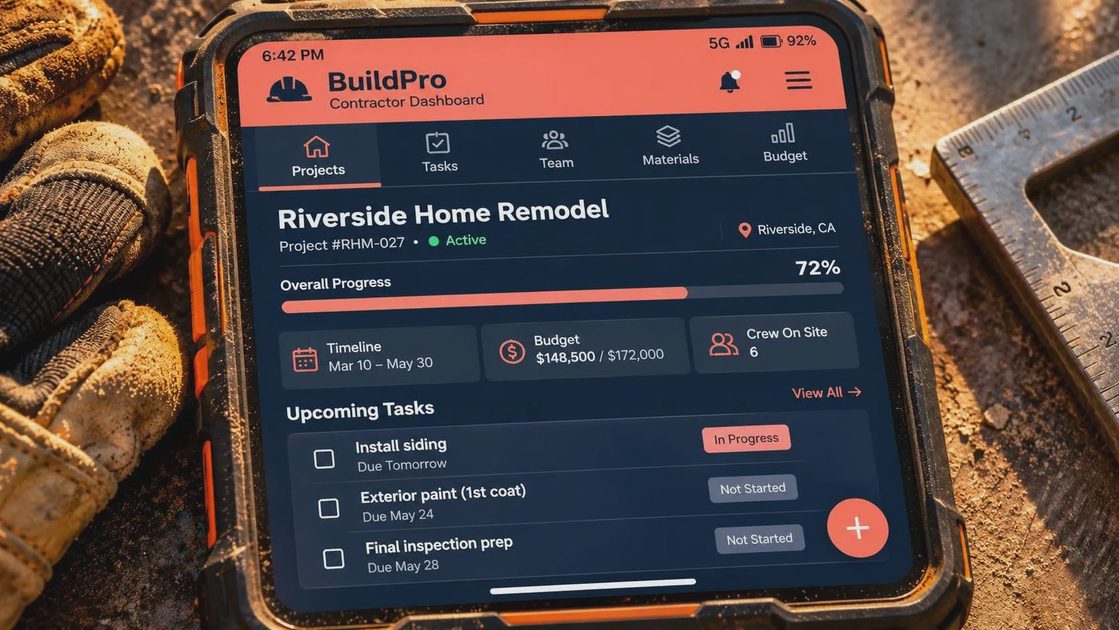
Many apps for contractors assume that the phone has a strong connection all day. Real jobs are less cooperative. Basements, metal buildings, mountain roads, and unfinished homes can all create dead zones. Before choosing a platform, test whether you can open an existing job, view notes, take photos, and save changes offline. If the app only works when every screen loads immediately, it is not ready for your workday.
Keep photos organized by customer and date. A repair photo should show enough context to identify the equipment, followed by closer images of the problem and completed work. Avoid photographing unrelated household details, children, mail, or paperwork. Set your phone to back up work images securely, and remove unnecessary location data when sharing a photo outside the customer record.
Voice notes can be useful after leaving a job. Record the parts needed, the customer’s concern, and the promised follow-up while the details are fresh. Later, convert that note into the official record. A phone case, vehicle charger, compact power bank, and downloaded maps are not glamorous, but they prevent more failures than another subscription.
Privacy, security, and keeping the system manageable
The best apps for contractors still need sensible account habits. Use a unique password for the main business account and turn on two-factor authentication. Give employees only the access they need. A helper may need the schedule and job address but not bank settings or every customer record. Review connected apps twice a year and remove services you no longer use.
Do not send customer addresses, alarm codes, or payment details through a casual group chat if a safer business record is available. Keep family conversations separate from work notifications so a customer message does not get buried under sports-team updates. On an iPhone or Android phone, use notification controls to silence nonurgent alerts while driving or working with tools.
If you lose the phone, remote-locking and account recovery should already be configured. Test recovery before an emergency, not after the phone slides off a truck seat. Security is not about building a fortress; it is about making the obvious mistakes harder.
A practical setup for a small contractor
A solo handyman could begin with Google Calendar, Google Maps, a simple estimate template, Square or another business payment service, and cloud storage for receipts. That setup may cost little and can be learned in an afternoon. A two-person cleaning company may benefit from Jobber or Housecall Pro because shared schedules, reminders, and customer history become more valuable as calls increase.
A growing plumbing or electrical business should compare apps for contractors by dispatching, recurring work, inventory notes, employee permissions, and accounting connections. Do not buy the largest system simply because it has the longest feature list. If it needs a tutorial longer than the job, I am already skeptical. Ask for a trial, enter three real customers, create an estimate, send an invoice, and test the workflow from a weak-signal location.
The question is not whether an app can do everything. The question is whether you will still use it next month when the truck is full, the schedule is late, and the battery is low. Choose the smallest reliable system, train everyone on the same process, and review the cost every quarter. A phone should help you make one less trip, miss one fewer job, and have one fewer argument.

No letters yet — be the first to write.