
A new appliance repair technician starts with a truck, a set of tools, and a phone that has to do more than most office devices. The phone handles navigation, customer communication, repair photos, invoices, and payment collection, often in places where signal is weak and battery life is already under pressure. The wrong setup creates extra trips, missed details, and end-of-day frustration. The right setup stays out of the way and still works when conditions are ordinary rather than ideal.
After twelve years of appliance repair and field service, the phone configuration I recommend to new techs is deliberately limited. It focuses on the tasks that actually appear on real calls: finding the address, documenting the problem, collecting payment, and getting to the next job without the device becoming another source of delay. Everything else is secondary until those basics hold up under weak signal, cold weather, and a full schedule.
Core Principles Before Any App
Three principles guide the setup. First, prefer tools that still function when the signal drops. Second, keep the number of apps small so the phone stays responsive and the battery lasts. Third, choose methods that a new tech can learn quickly and still use six months later when the novelty is gone.
These principles come from watching both new and experienced technicians abandon capable software because it failed on the third basement call of the day or required too many steps while a customer waited. A setup that looks complete on paper often fails the real test of an ordinary Tuesday.
Start with the Physical Phone
A thick protective case is non-negotiable. Phones get set on truck seats, dropped near appliances, and exposed to dust and moisture. A case that absorbs impact and a screen protector that can be replaced cheaply prevent small accidents from becoming expensive ones.
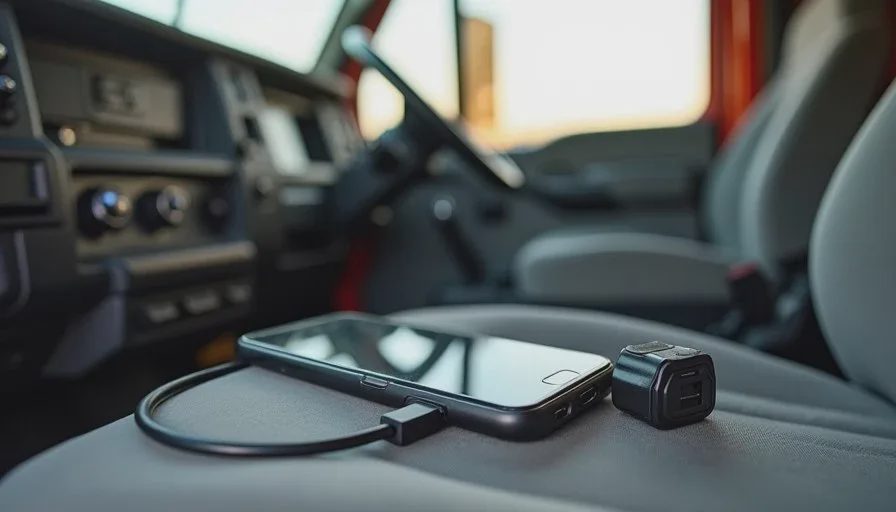
A reliable charging cable that stays in the truck and a compact power bank that fits in a door pocket or tool bag address the battery reality of field work. Cold weather and continuous use drain phones faster than office conditions. Having a backup power source already in the vehicle removes one common reason for cutting a day short.
The Essential Apps and How to Use Them
I keep the core list short. Offline maps, a simple way to capture photos with notes, a reliable payment method, and a calendar that does not fight the rest of the day.
Offline Maps First
Download the primary service area and any recurring neighborhoods before the workday begins. Google Maps and Apple Maps both support offline areas. The download should cover more than the exact addresses on the schedule. Customers give approximate directions, and wrong turns happen. Extra coverage costs little storage and prevents the blank-screen moment when signal disappears.
Test the offline map in airplane mode the night before any day that includes unfamiliar or rural stops. Confirm that location tracking still works and that the streets load. This one-minute check has saved more time than most other habits.
Photo Documentation That Survives Weak Signal
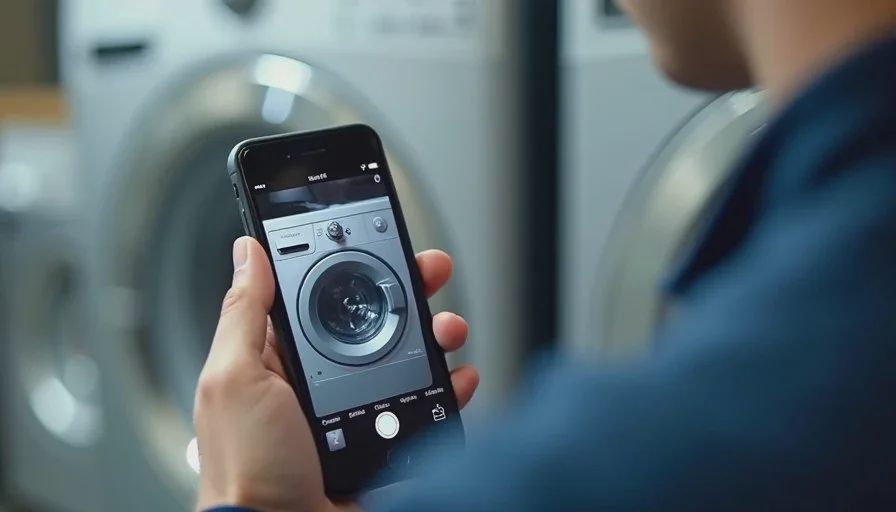
Repair photos are useful for the customer, for parts ordering, and for later reference. The method needs to work without an immediate cloud connection. The native camera app with a simple note or caption feature is often enough. Some technicians use a lightweight note app that stores images locally until signal returns.
The key is consistency. Take clear photos of the model and serial number, the problem area, and any parts that will need replacement. Add a short note while the details are still fresh. Upload or send later when coverage returns. Waiting until the end of the day often means missing details that mattered.
Payment Collection That Does Not Depend on Perfect Signal
A method that can take payment when the phone has limited connectivity reduces the need for a second trip to collect money. Options vary by region and preference. The important test is whether the process still works in a basement or at the edge of coverage. Practice the flow before relying on it with a customer waiting.
Keep a simple paper backup or an alternative method for the rare cases when the digital option fails. The goal is to leave the job with payment secured rather than with a promise to settle later.
Settings That Reduce Friction
Notification settings matter as much as the apps themselves. Keep alerts for customer calls and key work messages. Silence promotional notifications, non-essential group chats, and apps that do not require immediate action. A quieter lock screen reduces the urge to check the phone between every task and helps the battery last longer.
Location services can stay on for navigation and customer coordination, but continuous background tracking for every app is rarely necessary. Limiting background activity improves battery life without removing the functions that matter on a job.
Storage management is practical rather than technical. Offline maps, photos, and notes take space. Periodically clearing old downloads and unnecessary files prevents the phone from slowing down or refusing new saves in the middle of a workday.
Daily Habits That Make the Setup Work
The configuration only helps if a few light habits support it. Charge the phone fully the night before and confirm the power bank is ready. Download or update offline maps for the day’s area while still on Wi-Fi. Review the schedule and any customer notes before leaving.
During the day, capture photos and notes at the job rather than relying on memory later. When signal returns, send invoices or updates in a short batch instead of constantly fighting for connection between stops. At the end of the day, clear space if needed and prepare the maps for the next route.
These habits take little time once they become routine. They prevent the common failures that turn a workable phone into a source of delay.
What I Leave Out on Purpose
I do not load a new tech’s phone with every available field-service platform, complex CRM, or multi-step quoting system on day one. Those tools can be useful later for larger operations. For a technician starting out, they often create more steps than they remove. The priority is reliability under real conditions, not feature completeness.
Social media, non-essential shopping apps, and anything that generates frequent notifications stay off the work phone or heavily restricted. The device has one job: support the service calls and the movement between them. Extra software competes for attention and battery.
Adjusting as Experience Grows
The initial setup is a starting point. After a few months a technician will know which routes need larger offline maps, which payment method is most reliable in their area, and whether a particular note app saves time. The system can expand carefully once the basics are solid.
What should not change is the test applied to every new addition. Does it still work when signal is weak? Does it drain the battery faster than the current method? Can it be used quickly while a customer is present? If the answers are weak, the tool is better left for later or skipped entirely.
A phone should help you make one less trip, miss one fewer job, and have one fewer argument. The setup I give a new appliance repair tech is built around that measure. It is simple, field-tested, and designed to keep working when the day is ordinary rather than ideal. Master the basics first. Add complexity only when the real work shows it is necessary.



No comments yet — be the first to share a thought.